





- Description
Description
| Model Number | BC51TX | ||||
|---|---|---|---|---|---|
| Brand Name | OEM BRAND | ||||
| origin | China | ||||
| Small Orders | Accepted | ||||
Key Specifications/ Special Features:
Manual of bluetooth car charger BC51TX
Thanks for purchasing our bluetooth Car charger with FM transmitter! This manual is written to help you to learn how to use the product. Please read the manual carefully before use.
I. Product Profile
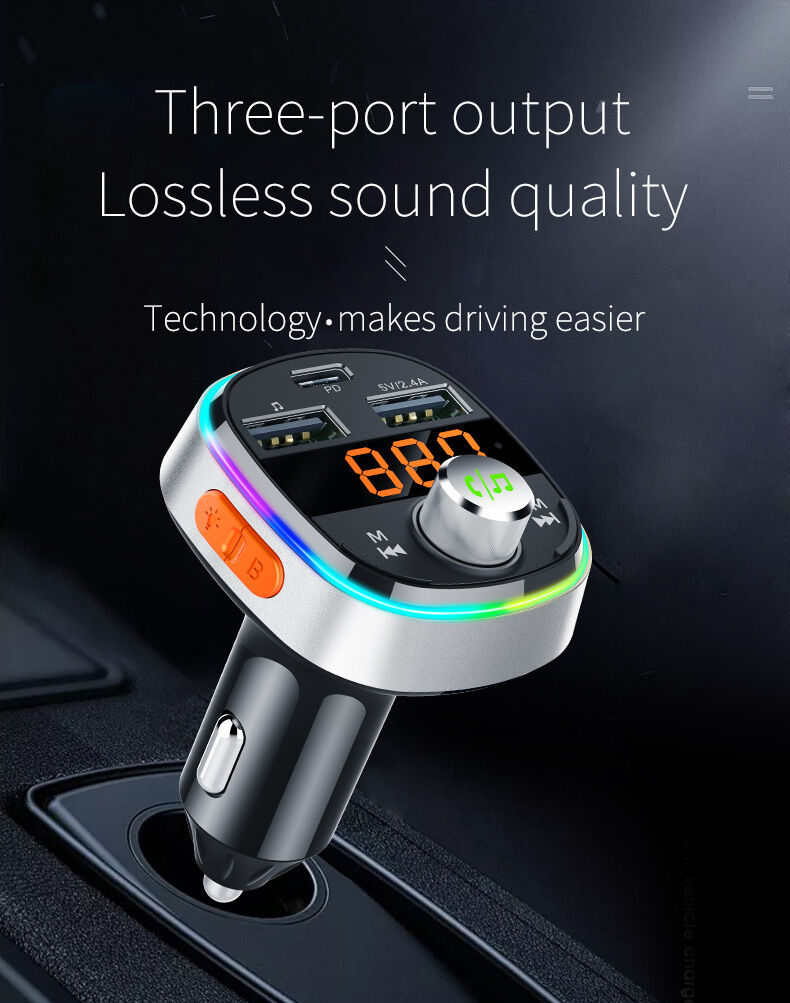
This product is a car-specific car bluetooth player, built-in advanced bluetooth and WMA.MP3, APE, FLAC decoder chip, can play music files inside U disk, wirelessly transmitted to car audio, no need to modify your car can easily Make your music enjoy while driving. More important is the purity and clarity of the special sound of DSP technology. We hope to bring you unlimited enjoyment of the music.
II. Product appearance
Schematic description:
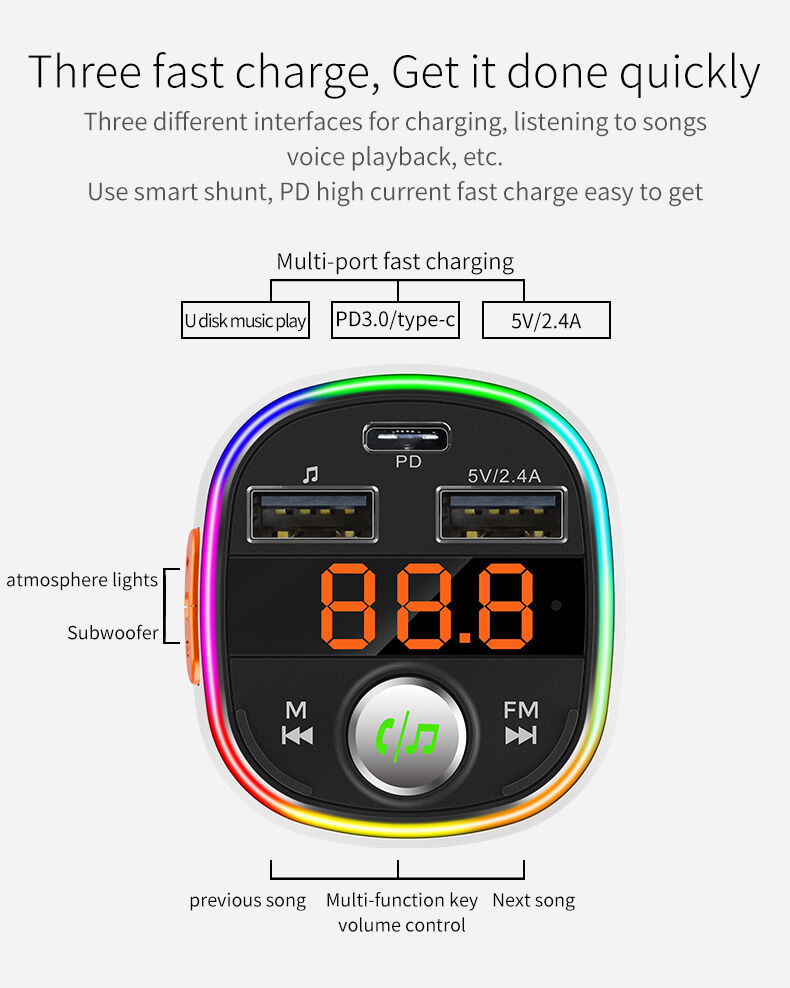
1. PD3.0 output
2. USB1: 2.4A/U disk
3. LED display
4. Short press: Previous/Long press to enter mode switching (BT/USB/TF)
5. Play / pause / answer / call back / Long press to wake-up SIRI / Left and right rotation to adjust the volume
6. Short press: next song / long press to enter FM mode
7. MIC
8. USB2: 2.4A
9. LED lampshade
10. TF card slot
11. Short press the colorful light button to switch/long press the LED breathing mode
12. Subwoofer sound button
13. Cigarette point and shrapnel
III. Features:
1. Suitable for all types of vehicles
2. LED display
3. Support PD3.0 fast charge output
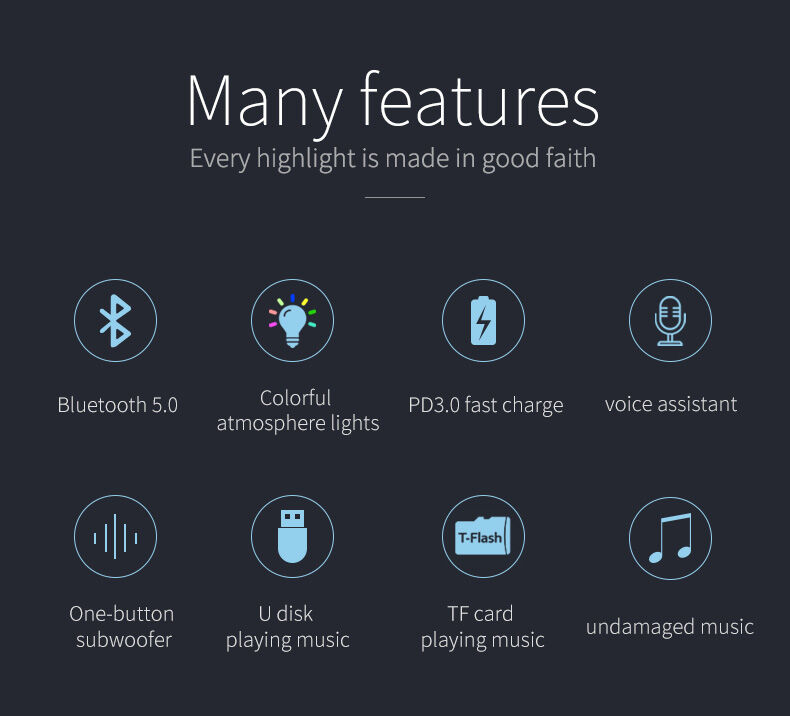
4. Support USB Type-C/PD3.0/Huawei FCP/SCP/Samsung AFC/QC3.0/
QC2.0/iPhone 2.4A/USB BC1.2 DCP protocol complied
5. Support stereo FM transmission technology
6. Support U disk play
7. Support TF card music player
8. Support WMA, MP3, WAV, APE, FLAC music format files.
9. Automatic power off memory function
10. bluetooth supports A2DP, AVRCP, HFP, HSP
11. bluetooth bluetooth V5.0
12. bluetooth hands-free calling
13. Support bluetooth stereo music DSP technology
14. Support subwoofer output
15. Car battery voltage detection
IV. Operation Instructions
4.1.1 Plug the product into car cigarette lighter socket while it will be automatically power on with LED flashing and displaying HI→Battery Voltage→BT→FM frequency
4.1.2 Turn on your car FM radio, and adjust the frequency of product same as your car radio, then your can enjoy music from your car stereo.
4.1.3 Adjust FM frequency
Long presS to enter state,
Then press and to adjust the frequency from the FM 87.5 to 108.0Mhz, three seconds without operation to exit the FM state.
4.2 bluetooth Pairing
When connecting the product with the mobile phone at the first time, it may need pin code to finish the connection, for more details, please refer to the relevant manual.
1.Please open bluetooth on your mobile phone and search for the device “Carkit” from phone menu list.
2. Select the device “Carkit”
3. Select “Carkit” in the menu of the phone, and select device as “Trust device” in the authorized device.
V. Matching connection of additional equipment
At boot time, the bluetooth car hands-free will only automatically start connecting to the matching device that was last connected.
Note: Some phones can be connected automatically when reconnected, and some phones may need to be granted permissions. You can set it to “Automatically connect.” For more information, please refer to the phone’s user manual.
5.1 Using bluetooth Hands-free Call
(When your bluetooth hands-free is idle or playing music)
5.1.1 Making a call
In the connected state, the phone number is directly dialed out by the mobile phone, and the voice is automatically sent from the car audio speaker.
5.1.2 Answering the call
In the connected state, when a call is coming, press directly“ ”to answer, once more press“
 ”to hang up.
5.1.3Rejecting calls
When a call is coming but you don’t want to answer it, press and hold“ ”to reject.
5.2 Redial the phone
When the bluetooth hands-free is idle, double press“ ”to redial the last number.
5.3 Playing music stored on your phone
This product supports A2DP function, which can play the music stored in the mobile phone and transmit to the car audio through FM.
5.4 Mobile music / TF / U disk Mode
Long press  button to switch the mode: BT — USB — TF.
After connecting the bluetooth, select the song to play or insert the TF/U disk to automatically read and play the music.
6 Siri / voice assistant
After the bluetooth pairing connection, when you want to use the Siri/Voice Assistant, press and hold 3 seconds  ” button to activate (the supported mobile phone brands are: iPhone, Samsung, native Android system mobile phone). Note: Some phones do not support this feature.
7.EQ subwoofer output
Press EQ button to enter subwoofer output, press again to cancel(Default audio output is normal)
8.Rainbow LED function
Short pressto change the RGB light to green/red/blue/yellow/cyan/purple/white/shut-off, long press to enter the breathe mode,the device has color memory function after shut off
VI. Tech specification
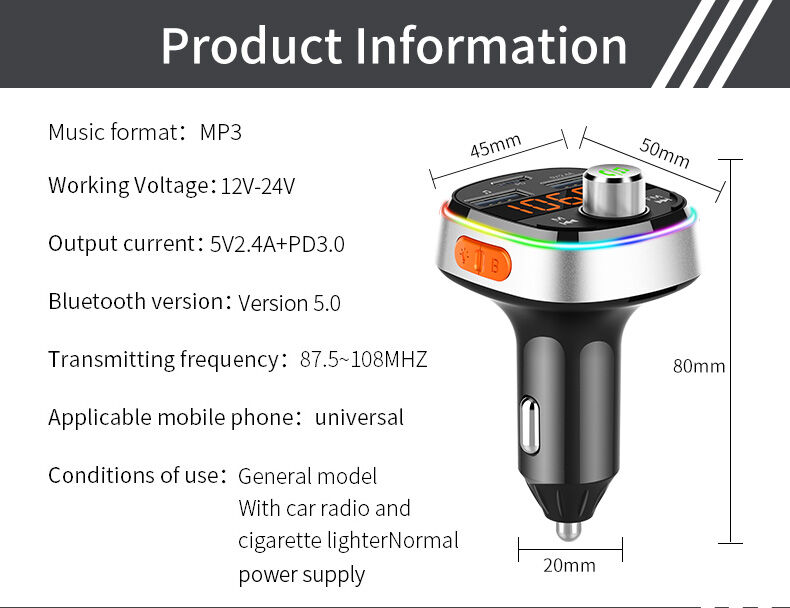
| Rated working voltage | 12V~24V |
| Limit working voltage | 10-26V |
| PD output power | 18W |
| Working temperature | 0-50℃ |
| Music format | MP3 / WMA / WAV/ APE / FLAC |
| SNR | >60dB |
| Battery voltage display accuracy | Error±0.5V |
| PD3.0 output | 5V/3A 9V/2A 12/1.5A |
| USB1&USB2 | Total 5V/2.4A |
| bluetooth version | Version 5.0 |
| bluetooth sound processing | DSP and A2DP(Advance Audio Distribution Profile) |
| FM Transmission distance | 10M |
| Effective distance of bluetooth microphone | 0.5-2 M |
| FM frequency | 87.5-108MHz |
| Transmit FM mode | Stereo digital PLL lock frequency |
VII. Notice
1. Do not turn the radio volume too high (usually 18 or below) to avoid the increase of the sound back noise.
2. Although the transmission power of this product is relatively strong, better to skip the Frequency with strong signal in local to get a better sound quality
3.Do not use this product in a dusty and humid environment with extremely high and low temperatures.
4. Do not drop the product to avoid surface damage or breakdown.
5. Do not disassemble the product,if you have any questions, please contact your dealer.
6. Due to continuous improvement and enhancement of technology,changes in product performance and functionality are subject to change without notice.
VIII. Troubleshooting






Reviews
There are no reviews yet.